
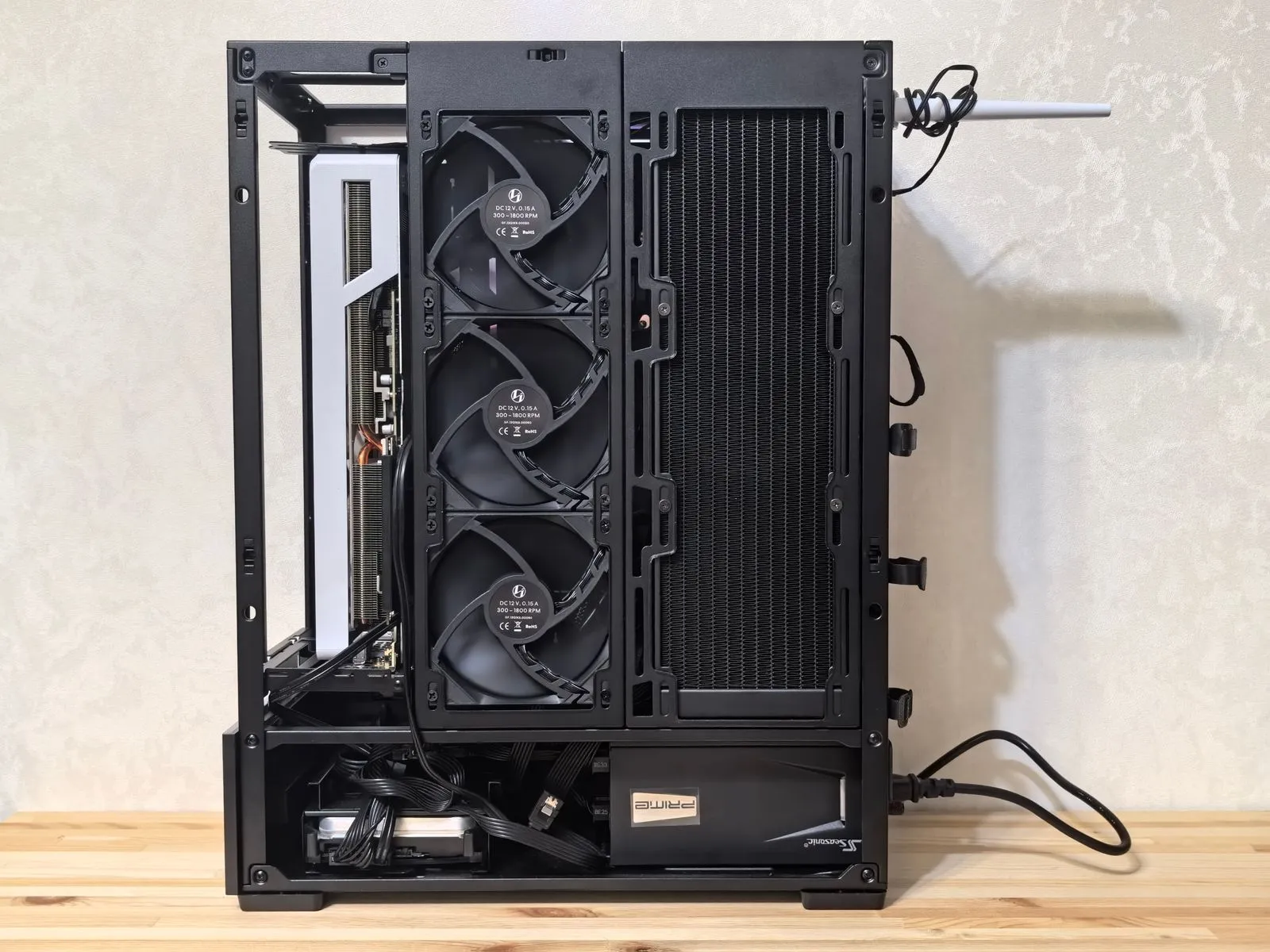
Choosing parts for a custom gaming PC starts with how you plan to use it—not with the most expensive component on the shelf. The games you play, your monitor’s resolution and refresh rate, and your budget all affect what makes sense. A balanced build can deliver a smooth experience without paying for performance you won’t notice. Use this guide to compare the processor, graphics card, memory, and storage, then check that the parts work together before you buy.
Start With Your Games and Display
Make a short list of the games you play most, along with any demanding titles you want to try. Check each game’s recommended system requirements, especially its processor and graphics card guidance. Requirements are a starting point, not a guarantee of performance, but they help you avoid choosing parts that fall short of your needs.
Your monitor matters just as much. Higher resolutions ask more of the graphics card, while high refresh rates can increase the value of strong performance from both the processor and graphics card. If you already own a monitor, use its resolution and refresh rate to guide your parts choices. If you plan to buy one, decide on it before finalizing the PC build.
Balance the Processor and Graphics Card
The graphics card has a major effect on gaming performance, particularly at higher resolutions and visual settings. Choose one that fits your monitor and the games you play, then compare current game tests for the specific resolution you want. Don’t select a card based on its name alone; performance can vary between models and depends on the rest of the system.
The processor handles game logic and other computing tasks. It matters in games with busy simulations, large multiplayer matches, or high frame-rate targets. Pair a capable processor with your graphics card so one part doesn’t hold the other back in the games you care about. Also confirm that the processor fits the motherboard socket and works with the motherboard’s chipset.
Choose Memory and Storage
For memory, check the requirements of your games and any other software you’ll run, such as voice chat, a browser, or streaming tools. Many gaming builds use two matched memory modules to enable dual-channel operation; confirm the motherboard supports the kit and the capacity you choose. Memory speed can affect performance, but compatibility and sufficient capacity should come first.
An SSD makes the operating system, games, and applications load quickly. Choose capacity based on the size of your game library and whether you want room for recordings or creative files. A smaller SSD can work if you’re comfortable uninstalling games or adding storage later. Check the motherboard’s supported drive types and available slots before choosing an SSD.
Check Compatibility and Total Cost
Before ordering, review every part against the motherboard, case, and power supply. Confirm that the case fits the graphics card and CPU cooler, the motherboard matches the case size, and the power supply has the required connectors and enough capacity for the selected components. Use manufacturer specifications and compatibility tools, then verify any warnings rather than assuming every listed part will fit.
Set aside budget for the full system, including the operating system if needed, cooling, and any peripherals you still need. If costs run high, adjust parts according to your priorities: keep the graphics card aligned with your display, avoid paying for processor features you won’t use, and leave room for storage expansion. A balanced PC is more useful than spending heavily on one part while neglecting compatibility.
Choose parts around your games, monitor, and total budget, then check compatibility before placing an order. This process helps you build a PC that fits your needs now and leaves sensible options for upgrades later. If you’d like a second set of eyes on a parts list, Blue Ridge Builds can help you review it.